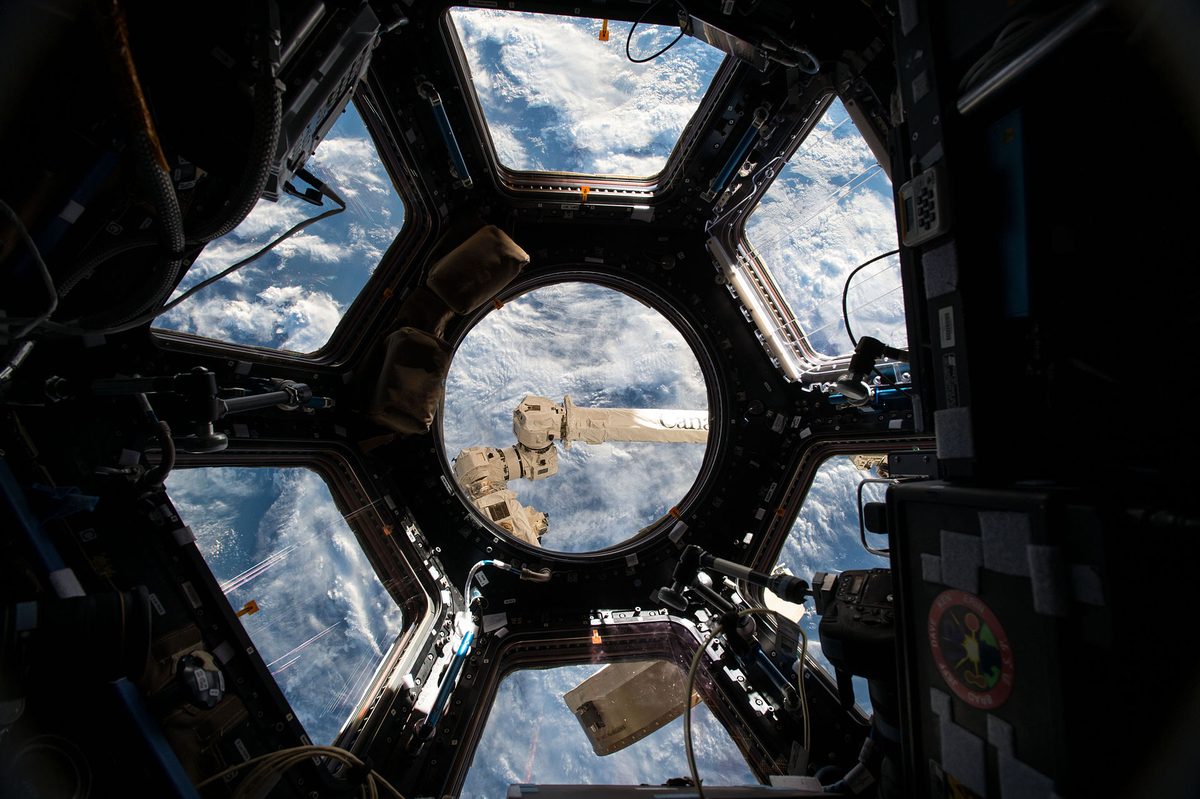
24/7 ISS Live Stream: What You’re Actually Seeing on the Cameras
You search for "ISS live" and find a continuous broadcast of Earth from 400 kilometers up. It’s hypnotic, but it also raises constant questions: why the screen sometimes turns blue, why other times it goes pitch black, and what exactly you are looking at when the feed shows nothing but ocean for twenty minutes straight.
Which camera you are watching
The live broadcast doesn't come from a single camera or a window. NASA maintains several external cameras mounted outside the station, pointing at Earth or toward the horizon, and the live channel automatically switches between them.
That's why the framing changes without warning: one moment you’re looking straight down at the planet, and the next you see the curvature of the horizon with the blackness of space above it. Nobody is moving the camera; the signal has simply switched to a different one.
When there is significant activity—such as a cargo ship docking or a spacewalk—the feed switches to the cameras covering that event, often accompanied by audio from mission control communications. These are the best moments to tune in.
Why the screen goes black
This is the number-one question, and it has two different answers.
It is on the night side. The ISS completes an orbit every 92 minutes, meaning it spends roughly 45 minutes in daylight and another 45 minutes in darkness. During this night pass, the camera points at an unlit Earth, making the image almost completely black—except that if you look closely, you will see city lights drifting past below, and perhaps lightning storms illuminating the clouds from within. It is one of the most stunning sights of the entire stream.
Signal has been lost. The station does not transmit directly to the ground; it routes data through relay satellites in much higher orbits. At certain points along its path, coverage gaps occur, cutting off the feed with a loss-of-signal notice. This usually lasts just a few minutes and restores itself automatically.
The difference is easy to spot: during a night pass, the image is dark yet alive with points of light; during a loss of signal, the screen is a flat or frozen black, usually with an overlay screen.
Why everything is sometimes blue
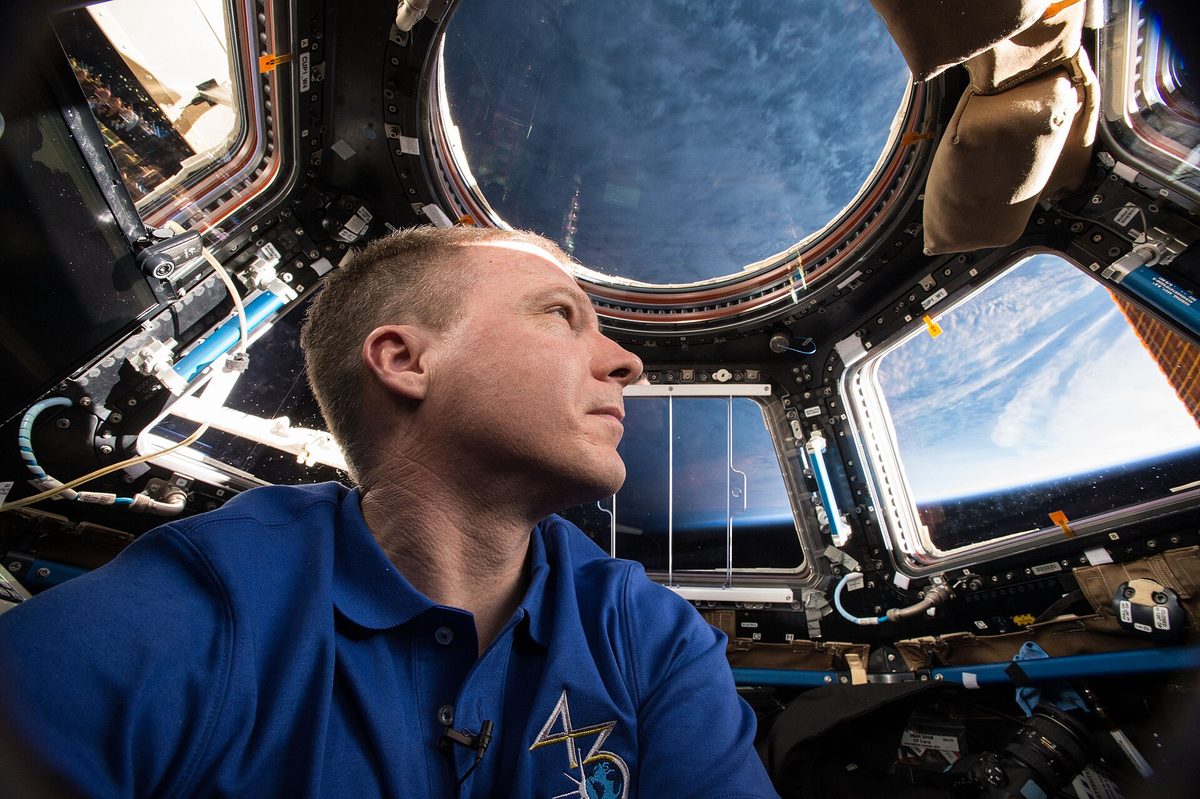
When the camera points toward the horizon during daytime, the blue filling the screen is the atmosphere itself seen edge-on. That thin, luminous layer separating the planet from the blackness of space is why Earth looks blue from above, and seeing it live is far more striking than any still photograph.
And if the image stays a uniform blue without a horizon for a long stretch, the explanation is much simpler and more humbling: you are flying over the Pacific. Oceans cover 71% of the planet's surface, and the ISS flight path spends most of its time over water. Long stretches of empty ocean are the norm, not a glitch.
How to tell which country you are looking at
Here is the trick that makes the broadcast far more interesting: watching the live feed and the map side by side. If you open our real-time tracker alongside the stream, you can pinpoint exactly where on Earth the station is the moment a coastline or mountain range comes into view. The Arabian Peninsula, the Andes, the Nile Delta, or the curve of the Mediterranean are unmistakable once you know what to look for.
Also keep in mind that the ISS travels at 27,600 km/h: it crosses Spain from end to end in under two minutes. If you recognize a landmark, you have very little time to confirm it.
From the live feed to your backyard sky
There is something many viewers overlook: that very same station can be seen with the naked eye right from your backyard, with no equipment, as a brilliant white dot crossing the sky in just a few minutes. It isn't a sight reserved solely for NASA.
If you want to bring the experience full circle, check when the next pass over your location happens with our visible pass calculator and head outside to see it. Knowing that seven people are living and working inside that bright dot of light—and that the camera you were just watching is mounted right outside—completely transforms the experience. In our viewing guide, you’ll find everything you need to know to spot it on your very first try.
The live stream makes for the world’s best screensaver, but nothing beats looking up at the exact right moment.
Images: cover, ISS-43 Cupola the 360 degree observation area — NASA/Scott Kelly (Public domain). Interior, ISS-43 Terry Virts inside the Cupola module — NASA (Public domain).
Source: ISS Tracker ↗